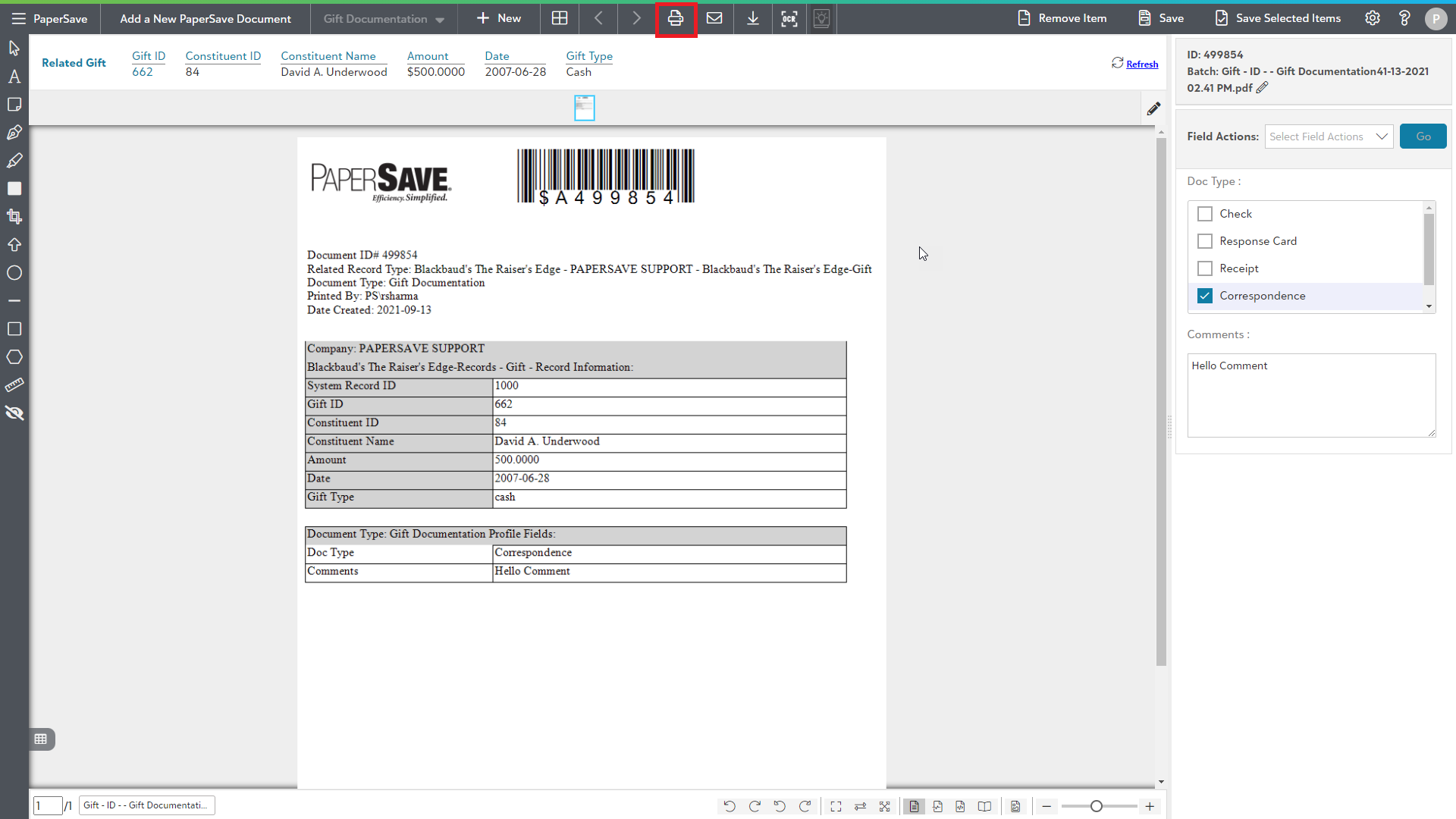
Click to generate a barcode to scan later
Once you click on PaperSave- Add document or Add another Document from Records and Batch sections in Raiser's Edge respectively or click on Yes in Add document dialog box, you will be redirected to PaperSave file capture options panel. Click here to see the steps to reach file capture options panel.
The following video covers how to generate a barcode coversheet to scan documents at a later time:
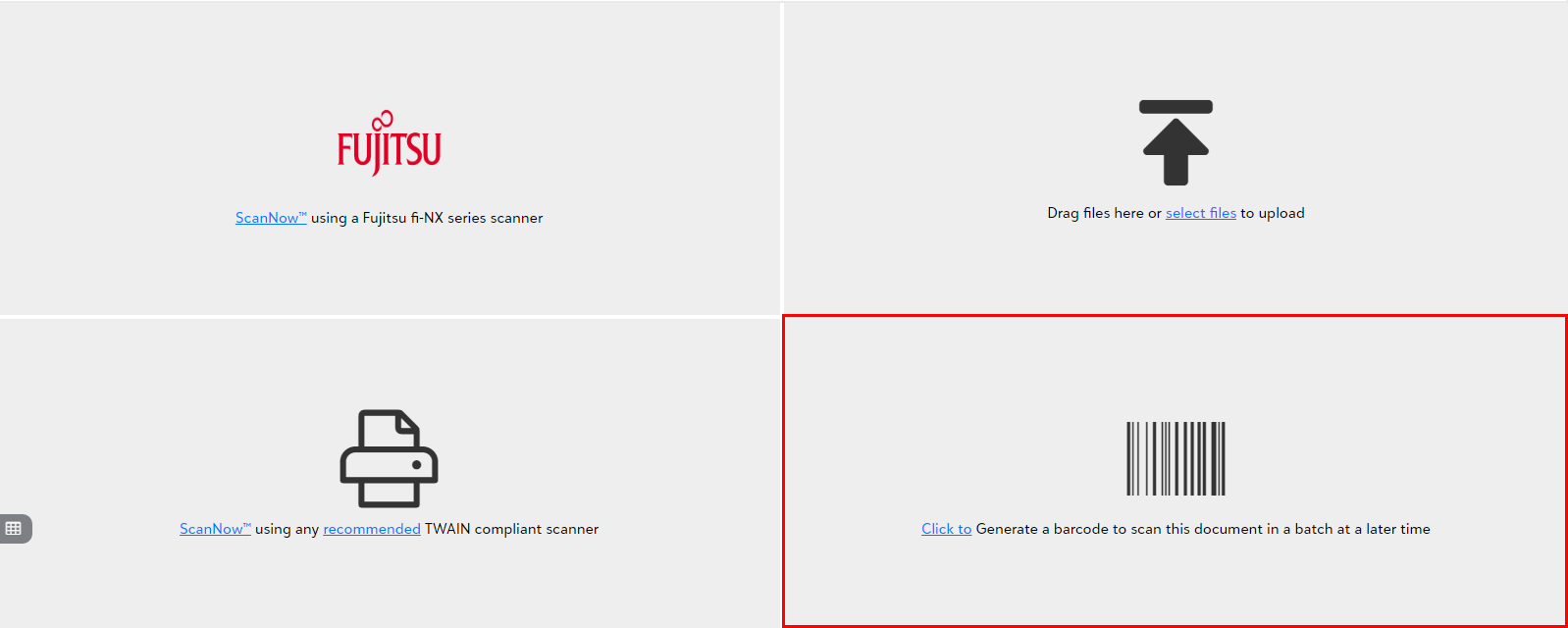
- Click on "Click to Generate a barcode to scan the document in a batch at a later time" as shown below:
The document created with a barcode will be available in the unsubmitted item list. You can print that generated barcode coversheet and then use it as the separator to scan the documents in a later batch.